


NB-IoT 物聯網開發平台
-
 工具 研討會 影片長度 - 10:50#zh-Hant #Tool #Seminar #General - 更多產品資訊,請至新唐科技網站 https://bit.ly/3hVdcmC 購買管道:https://direct.nuvoton.com/tw/low-pow... 聯絡我們: SalesSupport@nuvoton.com
-
 培訓 學習 影片長度 - 9:51Take Nuvoton NuMaker-IIoT-NUC980 running Linux as the platform and learn how to develop various functions. Watch this video, you will learn how to use Ethernet to connect to AWS IoT service on NuMaker-IIoT-NUC980 board. - For more information, please visit Nuvoton Technology Website: https://bit.ly/3hVdcmC Buy now: https://direct.nuvoton.com/tw/numaker-nuc980-iiot Contact us: SalesSupport@nuvoton.com #Training #Learning #Intermediate #en
-
 影片長度 - 4:15Take Nuvoton NuMaker-IIoT-NUC980 running Linux as the platform and learn how to develop various functions. Watch this video, you will learn how to use cellular, such as LTE or NB-IoT, to connect to network on NuMaker-IIoT-NUC980 board. - For more information, please visit Nuvoton Technology Website: https://bit.ly/3hVdcmC Buy now: https://direct.nuvoton.com/tw/numaker-nuc980-iiot Contact us: SalesSupport@nuvoton.com
-
 影片長度 - 2:44Take Nuvoton NuMaker-IIoT-NUC980 running Linux as the platform and learn how to develop various functions. Watch this video, you will learn how to connect to network via Ethernet on NuMaker-IIoT-NUC980 board. - For more information, please visit Nuvoton Technology Website: https://bit.ly/3hVdcmC Buy now: https://direct.nuvoton.com/tw/numaker-nuc980-iiot Contact us: SalesSupport@nuvoton.com
-
 培訓 工具 學習 影片長度 - 8:28Develop with Nuvoton NuMaker-IoT-M487 and Mbed OS to learn various functions. You will learn from this video to use the NuMaker-IoT-M487 development board and Mbed OS to connect to Microsoft Azure IoT Hub service. #Tool #Training #Learning #Intermediate #en - For more information, please visit Nuvoton Technology Website: https://bit.ly/3hVdcmC Buy now: https://bit.ly/3bk0AD8 Contact us: SalesSupport@nuvoton.com
-
 培訓 工具 學習 影片長度 - 7:29以新唐 NuMaker-IoT-M487 為平台,使用 Mbed OS 進行開發,學習各種功能。觀看本片,您將學會使用 NuMaker-IoT-M487 開發板以 Mbed OS 與範例程式連接 Microsoft Azure IoT Hub 服務。 - 更多產品資訊,請至新唐科技網站 https://bit.ly/3hVdcmC 購買管道:https://direct.nuvoton.com/tw/numaker-iot-m487 聯絡我們:SalesSupport@nuvoton.com #Tool #Training #Learning #Intermediate #zh-Hant
-
 影片長度 - 3:13Take Nuvoton NuMaker-IIoT-NUC980 running Linux as the platform and learn how to develop various functions. Watch this video, you will learn how to control GPIO to blink the LED on NuMaker-IIoT-NUC980 board. - For more information, please visit Nuvoton Technology Website: https://bit.ly/3hVdcmC Buy now: https://direct.nuvoton.com/tw/numaker-nuc980-iiot Contact us: SalesSupport@nuvoton.com
-
 培訓 學習 影片長度 - 4:0Take Nuvoton NuMaker-IIoT-NUC980 running Linux as the platform and learn how to develop various functions. Watch this video and you will learn how to install Buildroot for NuMaker-IIoT-NUC980 board before starting development. - For more information, please visit Nuvoton Technology Website: https://bit.ly/3hVdcmC Buy now: https://direct.nuvoton.com/tw/numaker-nuc980-iiot Contact us: SalesSupport@nuvoton.com #Training #Learning #Basic #en
-
 培訓 工具 學習 影片長度 - 3:24Hello everyone I am Chris, the Field Application Engineer from Nuvoton Technology. Today I will introduce the programming and debugging tool, called NuLink-Gang, and NuLink2-Pro. And I will show you in what kind of situation you can utilize the tools. During system development, Nuvoton provides three IDE interfaces: KEIL, IAR, and NuEclipse for user to develop source code. When programming the Chip, Nuvoton provides ICP programming Tool in PC and the debugger Nu-Link2-Pro for users to perform debugging and programming function. User who uses all of the Nuvoton Nu-Maker boards series can develop through the Nu-Link2-Me debugger and programmer; it’s attached to the board. During the mass-production stage, there are 2 modes for programming the target chip. One is online programming and the other is offline programming. At first, in online programming mode, user can use ICP programming Tool and a Nu-Link2-Pro to program a target chip. Besides, if it needs to program several chips at one times, the Nu-Link Command Tool supports program multiple develop board by several Nu-Link2-Pro. Nu-Link2-Pro also supports drag-and-drop Flash programming. User can intuitively complete the programming action. Nu-Link2-Pro In offline programming mode, user can pre-store the programming file in SPI flash, USB flash drive, or SD card. When user wants to program the target chip, pressing the programming button on Nu-Link2-Pro to complete the programming action. If it needs a large number of ICs to be programming, it recommends using the Nu-Link-Gang programmer. Nu-Link-Gang programmer can perform offline programming on four different chips at a time, significantly increasing the programming efficiency. Besides, Nu-Link-Gang programmer can also use the control bus to connect with an automatic programming machine for automatic programming. In the system upgrade, Nu-Link2-Pro also provides five standard communication interfaces such as SPI, I2C, UART, RS485, and CAN for transmission, which is convenient for users to upgrade the system. That’s all for the introduction of Nuvoton’s programming and debugging tool, NuLink-Gang, and NuLink2-Pro. Thank you for watching it. If you want to know more details, please contact us! Thank you. #Tool #Training #Learning #Intermediate #en - For more information, please visit Nuvoton Technology Website: https://bit.ly/3hVdcmC Buy now: https://direct.nuvoton.com/numaker-m251sd Contact us: SalesSupport@nuvoton.com
-
 培訓 工具 學習 影片長度 - 5:53Hello everyone, I am Morgan, the principal engineer of Nuvoton Technology. Today, I will show you how to connect to AWS IoT service using MbedOS on NuMaker-IoT-M487 development board The sample code is on GitHub, the URL is https://github.com/OpenNuvoton/Mbed-to-AWS-IoT To avoid typos, use keyword “OpenNuvoton” to search on google. Find the Nuvoton on GitHub, and click it On the Nuvoton GitHub page, use AWS as keyword to search the sample code: Mbed-to-AWS-IoT Right click to copy the URL for later use. Then enter the URL https://ide.mbed.com After log in, make sure the NuMaker-IoT-M487 board has selected in the upper right corner. If not, please refer Nuvoton IoT Tutorial series “Get Started with Mbed OS”. There is detailed description of how to add a board. Click the “Import” on the left of menu bar. In the “Import Wizard”, click “Click here” Please paste or key in the sample code URL to “Source URL:”, Select Import as “Program” Click “Import Name”, the project name “Mbed-to-AWS-IoT” will be filled automatically. Then click “Import”. After sample code imported, click “mbed_app.json” to open it. To use Wi-Fi, you have to configure SSID and password to match your Wi-Fi AP setting. In NuMaker_IOT_M487 session of mbed_app.json file, find the “wifi-ssid” to set your SSID. It is at line 44. And then set password to “wifi-password”. It is at line 45. Save it and click “Compile” to build the code. It takes time to compile code, please wait. You need an AWS account to use AWS IoT Core service. To create a thing, a policy, and certificates, then put the certificate to MQTT_server_setting.h file in the sample code. The sample code has included a certificate provided by Nuvoton for test only, so that you can quickly operate this example. If you don’t have an AWS account, it is recommended that you apply for an account and use your certificates in the example to observe the connection status on AWS IoT console page. After completed, “Success” will appear in the compile output window. The browser downloads the binary firmware file directly after a successful compiling. It will be saved in a default download folder. In Chrome, you can click download file and select “Show in folder”. Then we connect the NuMaker-IoT-M487 USB port to your computer. Please find the virtual COM port assigned for NuMaker-IoT-M487 in Device Manager. In the tutorial, the “Nu-Link Virtual Com Port” is COMx. Then use your favorite terminal tool. Here we use Putty. Open the COMx port with 115200 baud rate. And no flow control settings. Then “Open” it. Back to the folder you just download the binary firmware file (Mbed-to-AWS-IoT.NUMAKER_IOT_M487.bin). Drag and drop the file to NuMicro MCU drive. You will see the copying progress dialog box. You can see the messages on terminal. The device has acquired IP address from Wi-Fi AP, then successfully connect to AWS IoT and subscribe a topic. Then press button (SW2) on board to send a message. You can see the message published to server and received a message from server. That’s all for this tutorial. Thank you for watching. Welcome to subscribe to our channel. If you want to get more information, please contact us “SalesSupport@nuvoton.com” - For more information, please visit Nuvoton Technology Website: https://bit.ly/3hVdcmC Buy now: https://direct.nuvoton.com/tw/numaker-iot-m487 Contact us: SalesSupport@nuvoton.com #tool #training #learning #intermediate #en
-
 創新產品 前瞻應用 網路研討會 影片長度 - 59:3Developing IoT devices can be a painful process. In this webinar, you will learn how to develop an IoT enabled device quickly and easily with Nuvoton IoT platforms. We will cover IoT device system architectures, security consideration, development kits for different cloud services, and the latest practices to bring your IoT products time to market quickly. Speaker: UE00 Senior Product Marketing Manager, Harry Chen - For more information, please visit Nuvoton Technology Website: https://bit.ly/3hVdcmC Buy now: https://bit.ly/3bk0AD8 Contact us: SalesSupport@nuvoton.com #Product #Application #Webinar #General #en
-
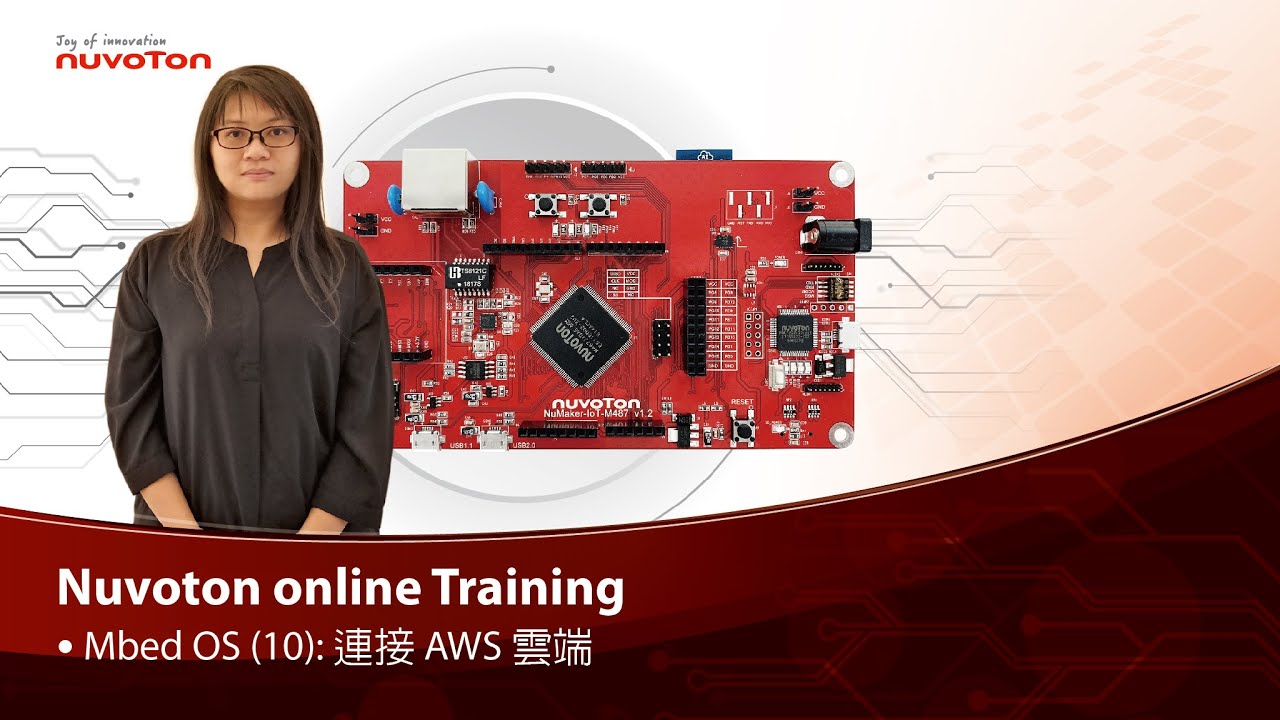 培訓 工具 學習 影片長度 - 4:48以新唐 NuMaker-IoT-M487 為平台,使用 Mbed OS 進行開發,學習各種功能。觀看本片,您將學會使用 NuMaker-IoT-M487 開發板以 Mbed OS 與範例程式連接 AWS IoT 服務。 - 更多產品資訊,請至新唐科技網站https://bit.ly/3hVdcmC 購買管道:https://direct.nuvoton.com/tw/numaker-iot-m487 聯絡我們: SalesSupport@nuvoton.com #Tool #Training #Learning #Intermediate #zh-Hant